Master Unity GUI: Design, Animate & Script Menus
About this course
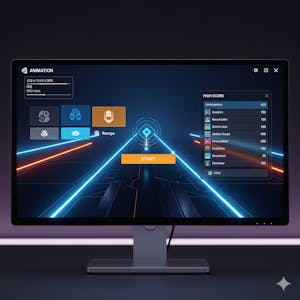
Create engaging, responsive, and interactive user interfaces for Unity games with a practical, project-based learning experience. In this course, you will learn how to design Unity GUI elements, build organized interface layouts, animate menus, connect scripts with UI components, and develop a fully functional main menu system from start to finish. You will begin by exploring the fundamentals of Unity's GUI system, including project setup, UI panels, canvas render modes, Rect Transforms, and anchor points for responsive layouts. As you progress, you will build interactive interfaces by animating buttons, implementing sliders, integrating scripts with UI elements, and refining menus with headers, scaling, and color adjustments. Finally, you will combine these skills to create animated menu panels, implement event triggers, build a high score menu, and complete a polished main menu system. Designed for aspiring game developers and Unity learners who want to strengthen their UI development skills, this course emphasizes hands-on practice and real-world workflows. Its step-by-step progression—from basic GUI components to a complete interactive menu—helps you confidently apply Unity GUI design, UI animation, and scripting techniques to create professional-quality game menus that improve usability and player engagement.
75/100
CourseAsk score
- What the provider tells you
- 39/45
- Who stands behind it
- 20/35
- How complete the listing is
- 16/20
Scores how much the provider publishes and who stands behind it — not how well it is taught.
What you'll learn
- design Unity GUI elements
- build organized interface layouts
- animate menus
- connect scripts with UI components
- create a fully functional main menu system
Course objectives
- strengthen UI development skills
- apply Unity GUI design techniques
- improve game usability and player engagement
Price shown by Coursera — confirm on their site.
Enroll on CourseraYou'll be redirected to Coursera to complete enrollment.
- Listed & compared by CourseAsk
- English · 0

 Udemy
Udemy

 edX
edX



 Coursera



Compared on these lists
Where this course ranks against the alternatives.